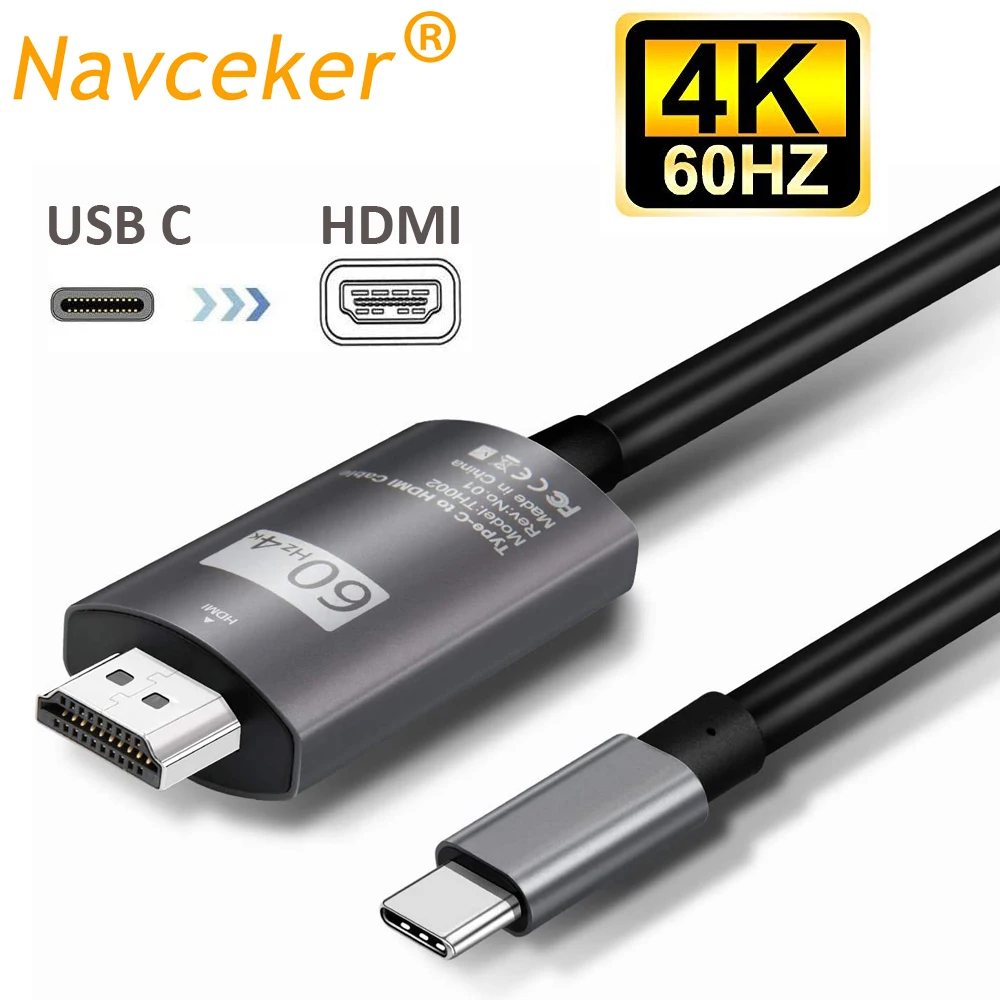
Navceker Type USB-C to HDMI Cable Adapter 4K 60Hz One-way Transmission Audio Cable Compatible with USB-C MacBook Pro Galaxy S25U


Navceker Type USB-C to HDMI Cable Adapter 4K 60Hz One-way Transmission Audio Cable Compatible with USB-C MacBook Pro Galaxy S25U
SPECIFICATIONS
4K: usb-c hdmi cable
Application: For iPod,Computer,Microphone,Multimedia,Monitor,DVD Player,Projector,Television,TV box,Amplifier,Camera
Brand Name: Navceker
Bundle: Bundle 1
Certification: CE,FCC,RoHS
Connector A: Type-C,Thunderbolt 3
Connector B: Type-C,Thunderbolt 3
Dimension: USB C to HDMI Cable
Feature: HDMI-Compatible2.0
Gender: Male
HDMI port: usb type c hdmi cable
HDR: type-c hdmi cable
High-concerned chemical: None
Model Number: ZY-THF001
Model number: Type C HDMI Thunderbolt3 Converter
Origin: Mainland China
Outer Diameter: 1MM
Package: Yes,Carton Box
Product name: USB Type C to HDMI for apple TV Projector
Resolution: usb c hdmi cable 8k
Shielding: Non-Shielded
Type: HDMI-Compatible Cables
Video standard: type c hdmi
Warranty: one year free warranty USB C hdmi
usb c: type-c hdmi
|
|


If you like our products please you add to cart or add to Favorites,Surprise coupons is waiting for you to extract,
more refined small gifts free to send, please contact customer service.
If you follow our store and become our fans, you can get extra 5% discount.
ugreen vention baseus
4K 60Hz USB C to HDMI Cable USB Type-C to HDMI Cord Compatible with Thunderbolt 4/3, for iPhone15 MacBook Air,iPad, XPS 17
Description:
ZY-TH001,Navceker USB-C to HDMI Cable 4K@60Hz,Type c to HDMI cable support resolution up to 4K (3840x2160) @ 60Hz, never worry about blue, distortion and delay.
There
are 3models optional, different model has different interface and
appearance, please choose suitable model before purchase:
2.1 and HDCP 2.2,8K@30Hz 4K@120Hz USB 3.1 USB C Type C to HDMI HUB
cable adapter .Male to Male,support RGB 4:4:4,Dynamic HDR and surround
sound audio(eARC) .
2.1 and HDCP 2.2,8K@30Hz 4K@120Hz USB 3.1 USB C Type C to HDMI HUB
adapter .Male to Female,support RGB 4:4:4,Dynamic HDR and surround sound
audio(eARC) .
Features:
This USB C to HDMI Cable Adapter ONLY work with those devices that the USB Type C Port supports video output or DP Alt Mode.
Excellent Quality:
-
Big screen is more enjoyable
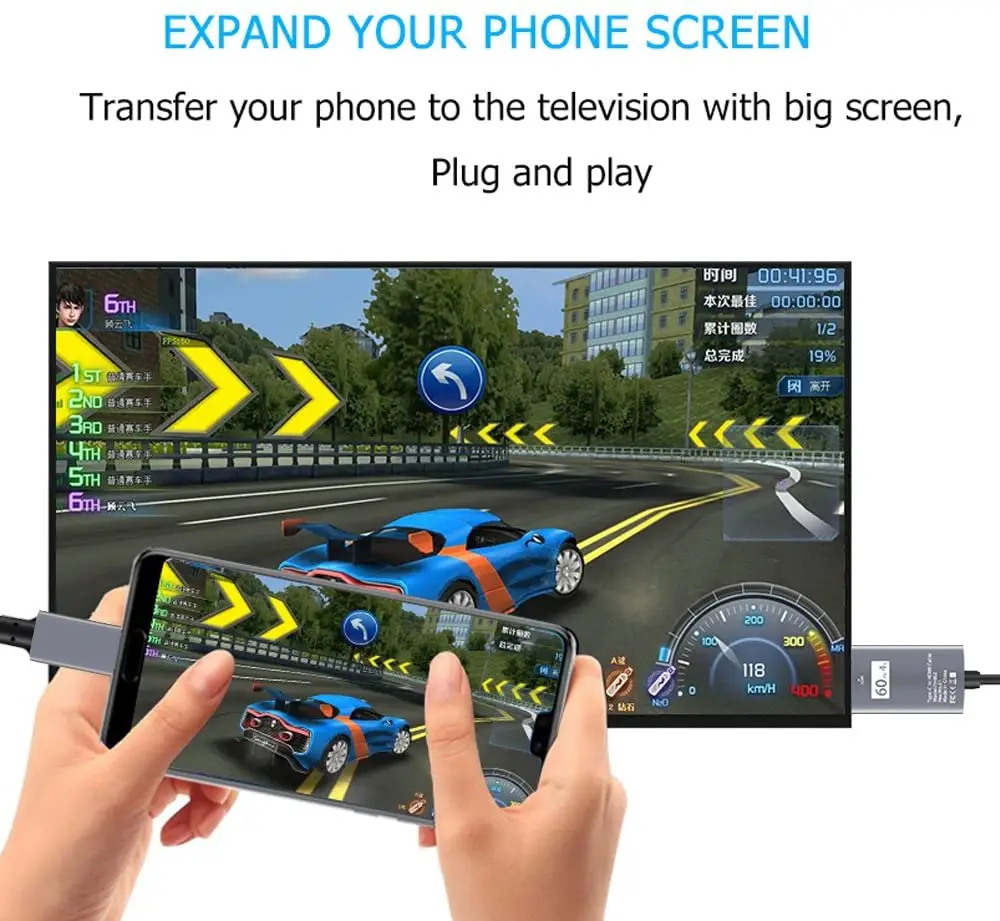
The notebook is connected to the TV/projector, the screen is synchronized to a larger screen, the viewing is more enjoyable, the office is more efficient, and the presentation is more efficient.
Flawless Transmission
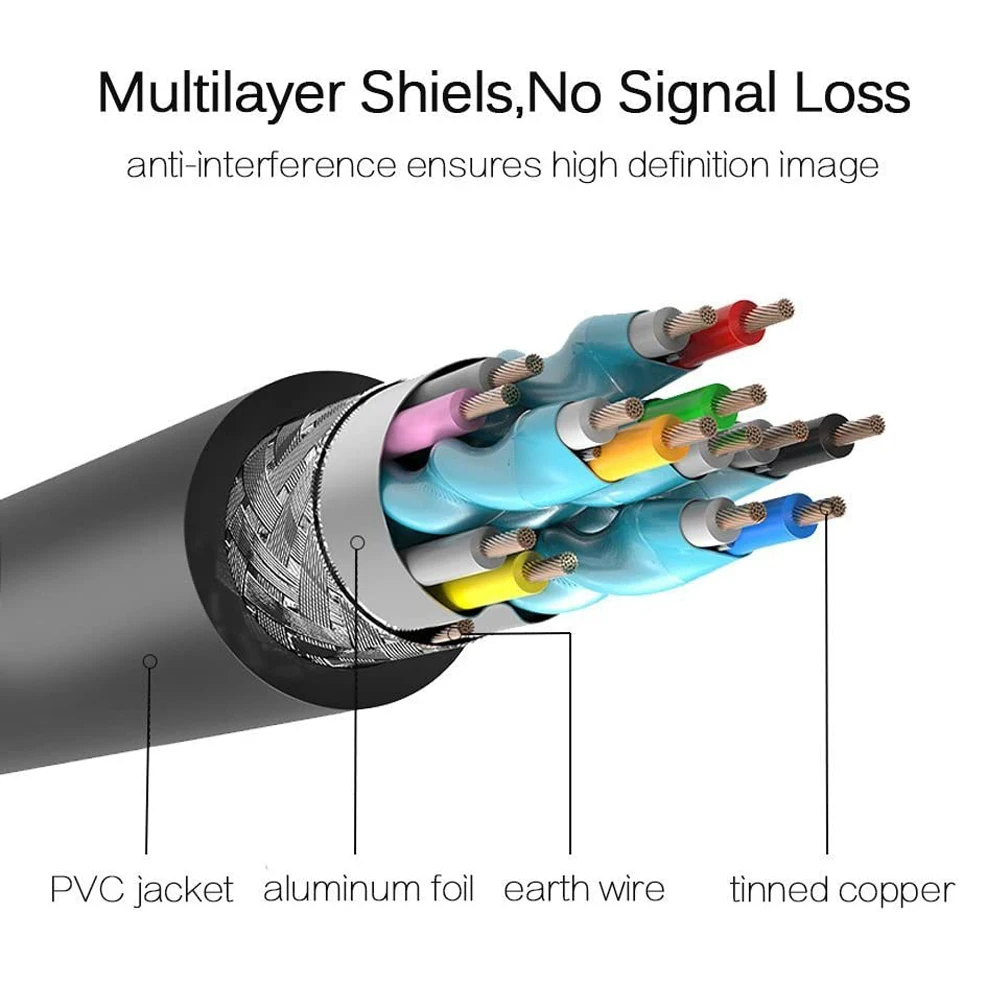
The premium copper cores covered with double shielding enhances its anti-interference ability to ensure flawless transmission of digital signal.
-
Features
6.6ft /2.0m, perfect length for most setup settings
The material is Thermoplastic Elastomer is environmental friendly&Premium aluminum alloy casing for better heat insulation and lasts lon
HDCP 2.2 Compatible, play protected content from iTunes / Netflix / DirectTV and more
HDMI 2.0, supports DisplayPort Alt Mode for USB-C Devices
Extended Mode
Drive one, even multiple monitors at the same time.
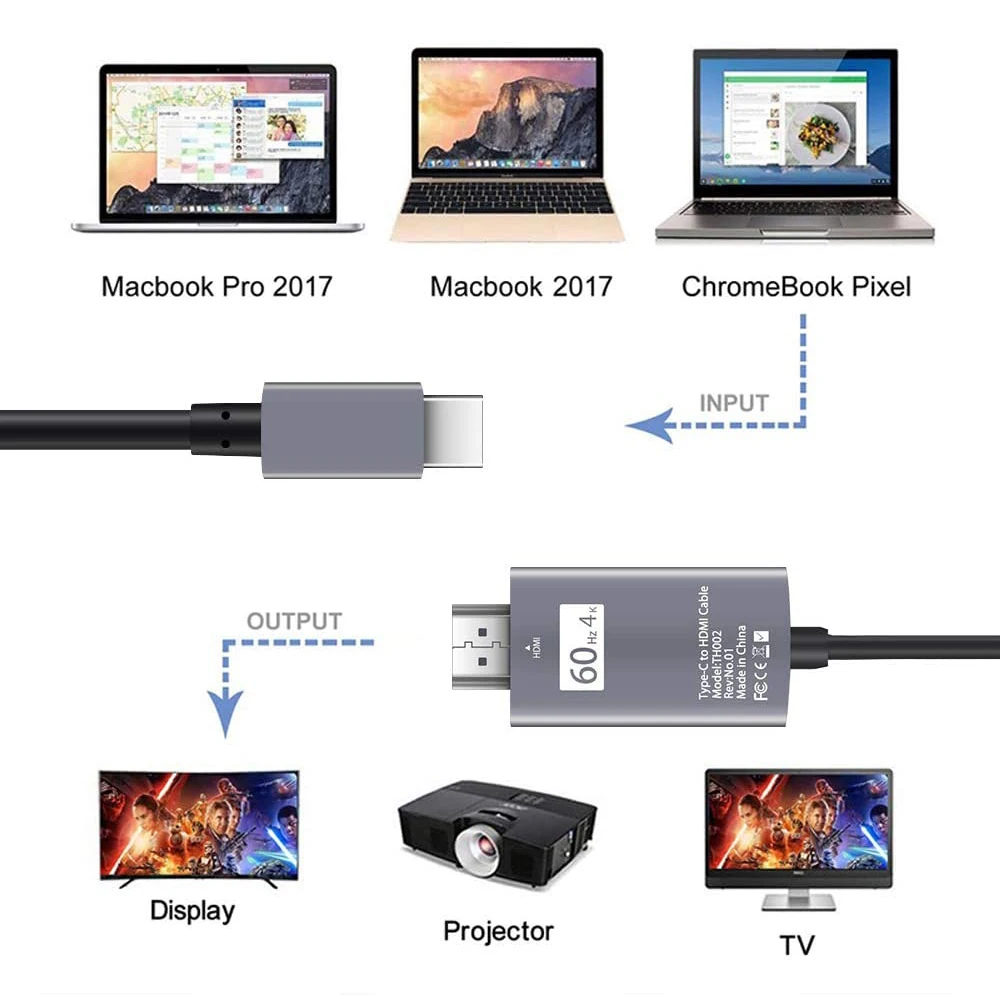
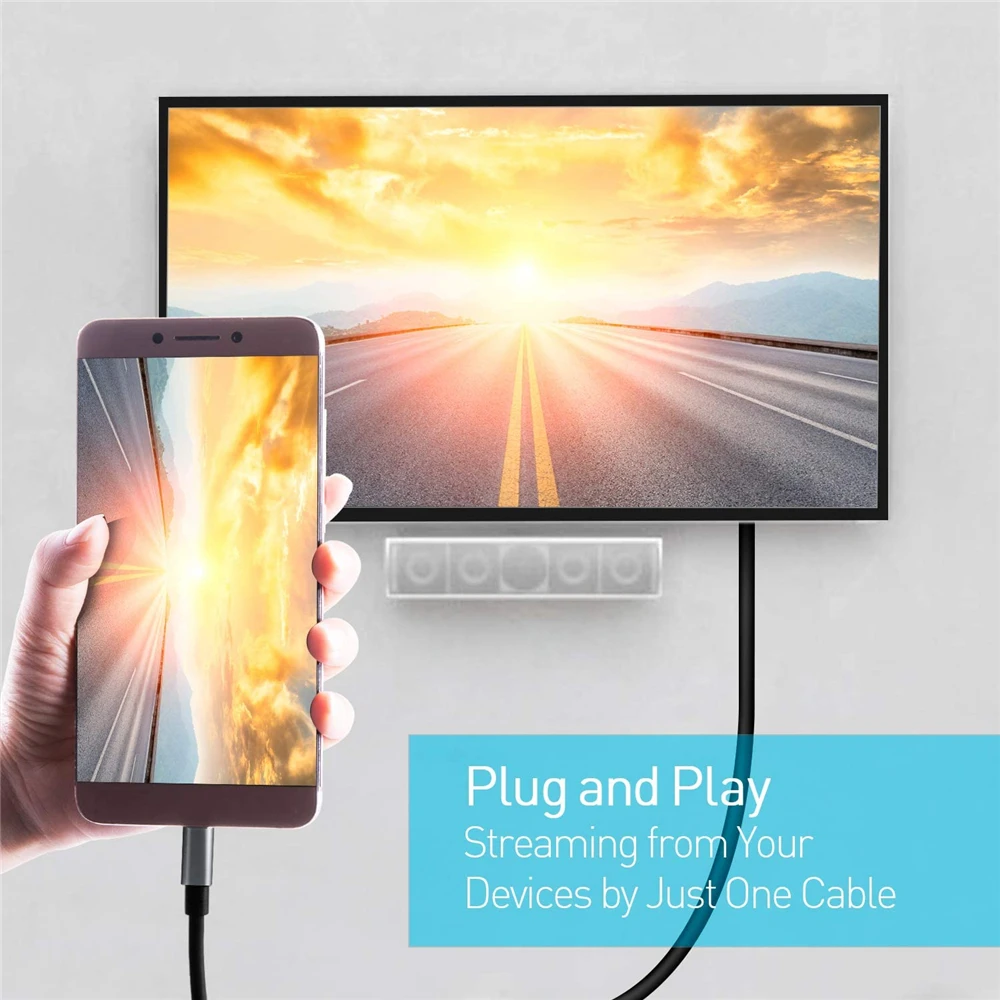
Connect USB-C laptops to HDMI enabled Displays or TVs.
Audio and video simultaneous transmission
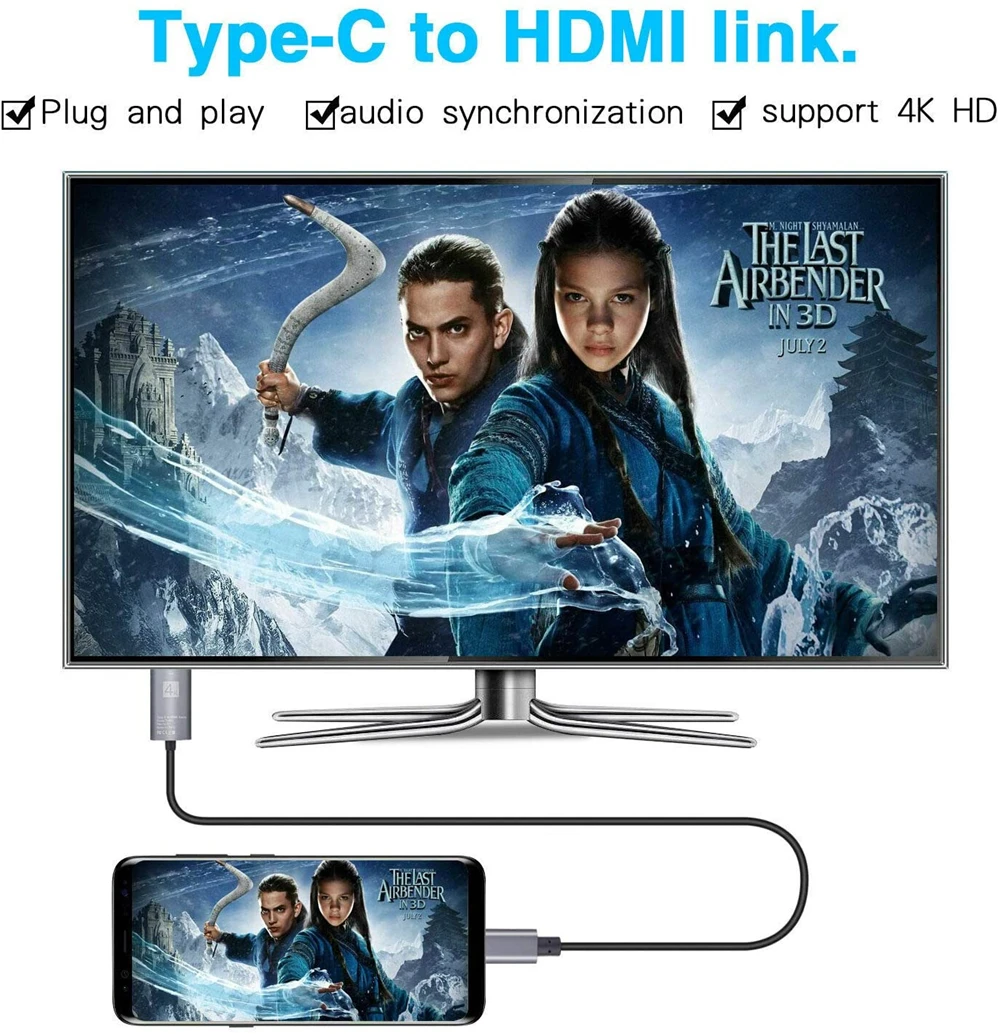
After accessing the usb3.1 USB-C interface, the hdmi signal is decoded by the converter, and the audio and video are transmitted synchronously.
Compatible Devices(not a full list):
Laptops:
*New iPad Pro/Mac Mini/MacBook Air 2018
*iMac 2017 / iMac 2017 Pro
*2016/17/18MacBook Pro
*MacBook 2016 / 2015 (12 inch)
*HP Spectre X360/HP Elitebook Folio G1/HP Elite X2 1012 G1
*Dell XPS13/Dell XPS15/Dell Precision5510
*Acer Switch Alpha 1, Acer Spin7, Acer Chromebook R13
*Surface Book 2
phone :
*Samsung Galaxy S9 / S9 Plus*Samsung Galaxy S8 /S8 Plus*Samsung Note 8
*HUAWEI Mate 10 / Mate 10 Plus*HTC U Ultra*LG G5*LG V20
*LG G5 / G4 / V20 / V30 / OnePlus 3 / 2 /HTC One U11 / 10
If your laptop not included in the list, please free to let us know, we are very gladly to help you to check if your device can work with the adapter.
Note:
ONLY works for USB-C 3.1 or thunderbolt 3 port interfaces which support "DisplayPort Alternate Mode
For display 4K content, please ensure that both input and output devices can support 4K resolution
The resolution and refresh rate are also determined by the performance of your devices
To manually adjust resolution for your MacBook/MacBook Pro, hold the 'option' key and click 'Scaled